Cloud & Devops

Application Support

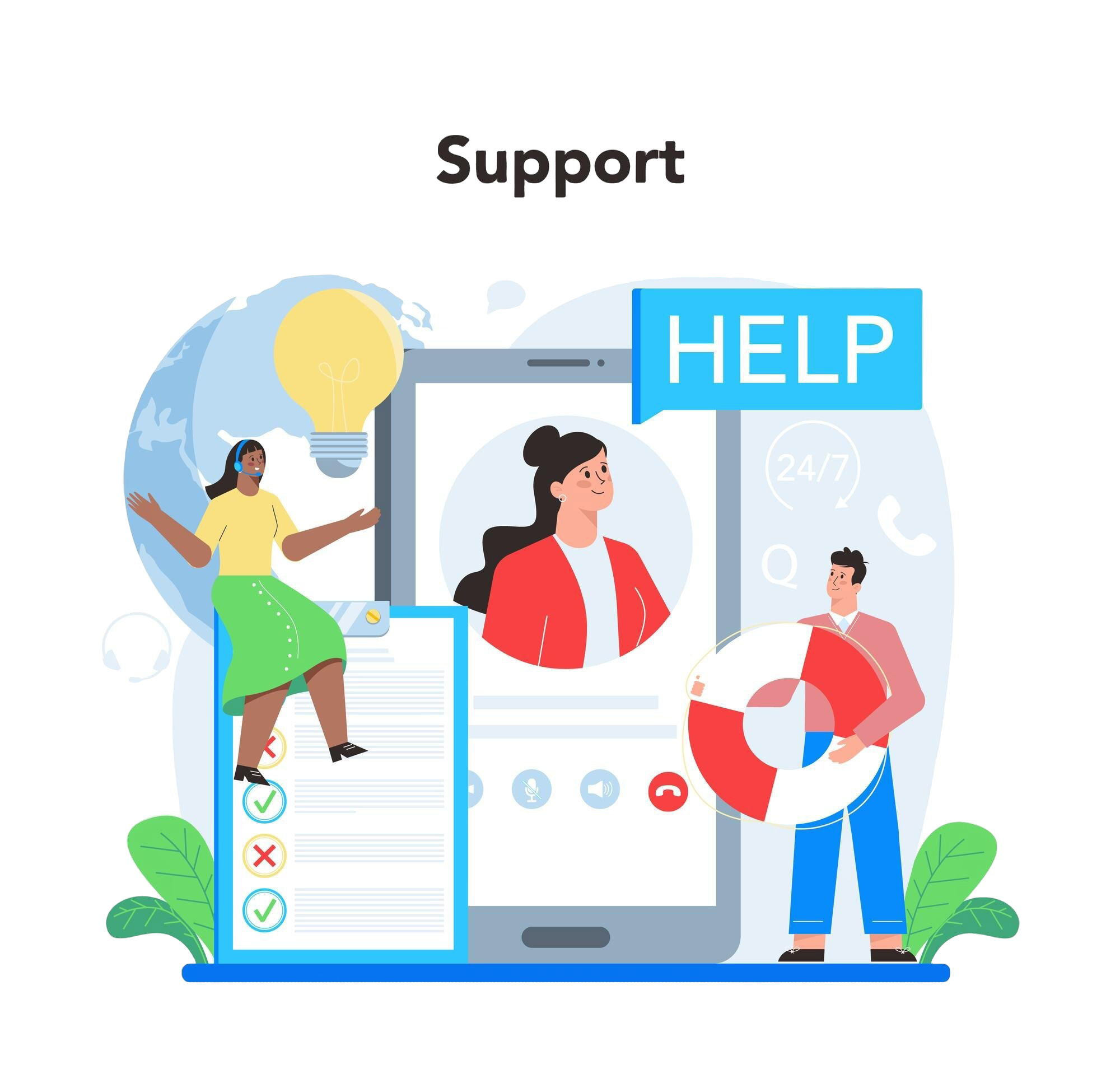
Application support involves maintaining, troubleshooting, and improving software applications to ensure optimal performance, availability, and functionality. Here's a comprehensive list of tasks typically involved in application support:

img

1. Incident and Issue Management

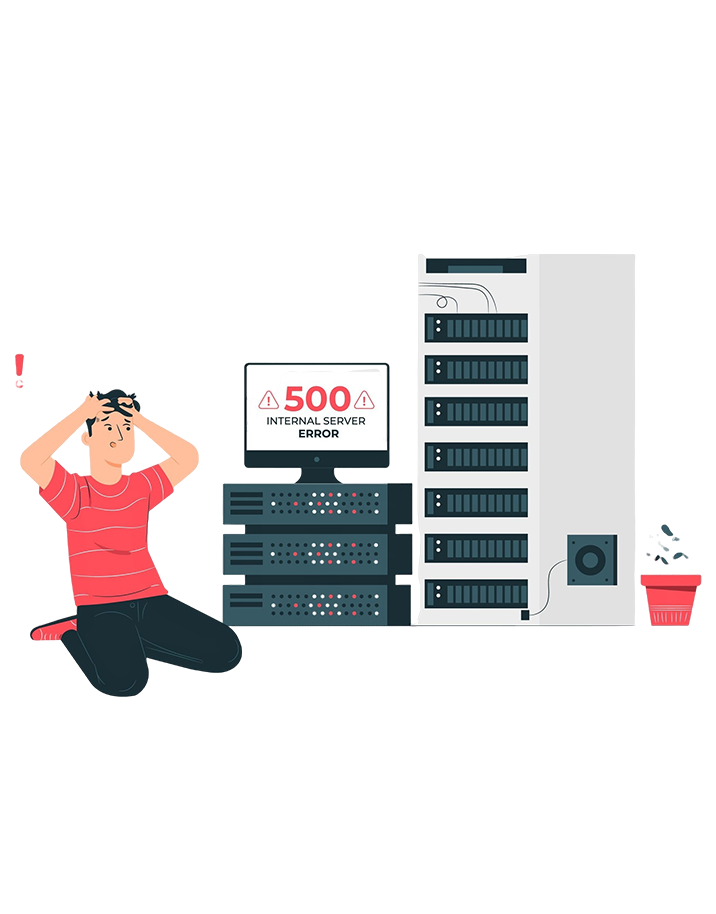
  • Issue Resolution: Troubleshooting and resolving application errors, crashes, or performance issues.
  • Incident Logging: Documenting incidents and creating detailed records in ticketing systems (e.g., Jira, ServiceNow).
  • Root Cause Analysis (RCA): Investigating the underlying causes of recurring issues and implementing permanent fixes.
  • 24/7 Support: Providing round-the-clock support for mission-critical applications.
img

2. Performance Monitoring and Optimization

  • Application Monitoring: Using tools like Dynatrace, AppDynamics, or New Relic to track application performance.
  • Performance Tuning: Identifying and addressing bottlenecks in application code, database queries, or server configurations.
  • Capacity Planning: Ensuring applications can handle current and future loads through scaling and resource allocation.
img

3. Maintenance and Updates

  • Patch Management: Applying updates and patches to fix bugs or address security vulnerabilities.
  • Version Upgrades: Managing application upgrades while minimizing downtime and ensuring compatibility.
  • Scheduled Maintenance: Performing routine tasks such as database indexing, log cleanup, or backups.
img

4. User Support

  • Help Desk Support: Assisting end-users with application-related issues or questions.
  • Training and Documentation: Providing user training sessions and creating user guides, FAQs, and documentation.
  • Feedback Management: Gathering and addressing user feedback to improve application usability.
img

5. Security and Compliance

  • Access Management: Managing user roles, permissions, and authentication mechanisms.
  • Vulnerability Management: Identifying and addressing security vulnerabilities in the application.
  • Compliance Checks: Ensuring the application adheres to regulatory and organizational standards (e.g., GDPR, HIPAA).
img

6. Integration and Compatibility

  • API Management: Monitoring and troubleshooting API integrations with other systems.
  • Compatibility Testing: Ensuring the application works seamlessly with different operating systems, browsers, or devices.
  • Third-Party Tools: Supporting integrations with external tools or services like payment gateways, analytics platforms, etc.
img

7. Incident Prevention

  • Proactive Monitoring: Using predictive analytics and monitoring tools to identify potential issues before they escalate.
  • Health Checks: Conducting regular application health assessments to ensure stability.
  • Automation: Automating routine tasks like error detection, log analysis, and reporting.
img

8. Application Enhancement

  • Feature Requests: Analyzing, prioritizing, and implementing user-requested features or enhancements.
  • Bug Fixes: Identifying and fixing minor bugs or glitches.
  • Code Refactoring: Improving the maintainability and efficiency of existing code.
img

9. Database Management

  • Database Performance: Optimizing queries, indexing, and storage configurations.
  • Backup and Restore: Ensuring reliable database backups and testing restoration processes.
  • Data Integrity: Monitoring and ensuring the consistency and accuracy of data.
img

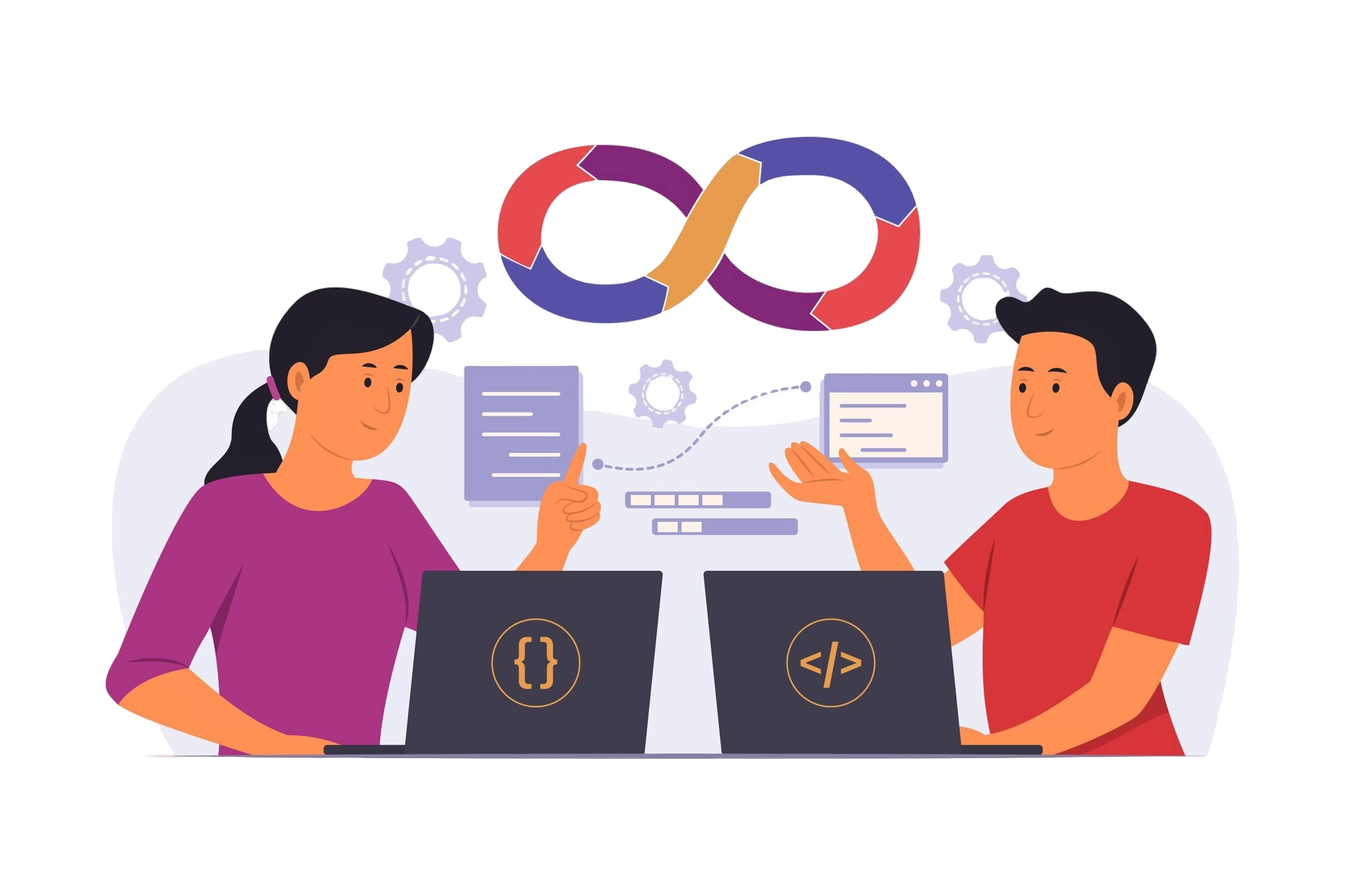
10. DevOps and CI/CD

  • Pipeline Monitoring: Ensuring continuous integration and delivery pipelines function smoothly.
  • Release Management: Coordinating application releases, hotfixes, and deployments.
  • Environment Management: Maintaining and updating application environments (e.g., staging, production).
img

11. Reporting and Analytics

  • Usage Analytics: Monitoring how users interact with the application to identify trends or areas for improvement.
  • Incident Reports: Generating reports on incidents, resolution times, and system performance.
  • KPIs: Tracking key performance indicators (KPIs) like uptime, response time, and error rates.
img

12. Collaboration with Development Teams

  • Bug Reporting: Escalating unresolved issues to the development team with detailed documentation.
  • Testing Support: Assisting with application testing during updates or new feature rollouts.
  • Feedback Loop: Providing insights from end-users and operational data to influence future development.

By performing these tasks, application support ensures the software remains reliable, secure, and aligned with business needs.

Why Our Clients Trust Us?

Our shared, semi-dedicated, and dedicated support models deliver the flexibility, expertise, and reliability your business demands.

check 100% White Label
check 24/7/365 Support
check Credibility and Reliability
check 15 Days Free Trial
check On Demand Support
check Quick Setup Time(No Fee)
check Customer Centric Approach
check World Class Infrasteucture
check Information Security
check Cost Effective Solution
check Custom Plans
check Customer Delight
Whatsapp Floater Call Floater